Reference shelf
Guided practice path
Design Fundamentals Studio
A guided practice path that trains your eye through focused lessons, realistic studio exercises, and a capstone project that applies every fundamental on one campaign piece.
Overall progress
46%
Next recommended skill: Contrast
Modules
- 14 min
Visual Hierarchy
Hierarchy Current CompleteDecide what should be seen first, second, and third.
- 12 min
Contrast
Contrast Up next CompleteUse difference in size, weight, color, and darkness with intention.
- 16 min
Spacing and Grouping
Spacing Available CompleteUse proximity, alignment, whitespace, and rhythm to make layouts easier to scan.
- 18 min
Typography Basics
Typography Available CompleteSet clear text roles before choosing expressive typefaces.
- 15 min
Color Systems
Color Available CompleteBuild palettes with contrast, accents, mood, and semantic meaning.
- 20 min
Layout and Composition
Layout Available CompleteShape the scan path with balance, grids, alignment, and tension.
- 13 min
Simplify and Edit
Editing Available CompleteRemove visual noise so the message becomes easier to understand.
- 35 min
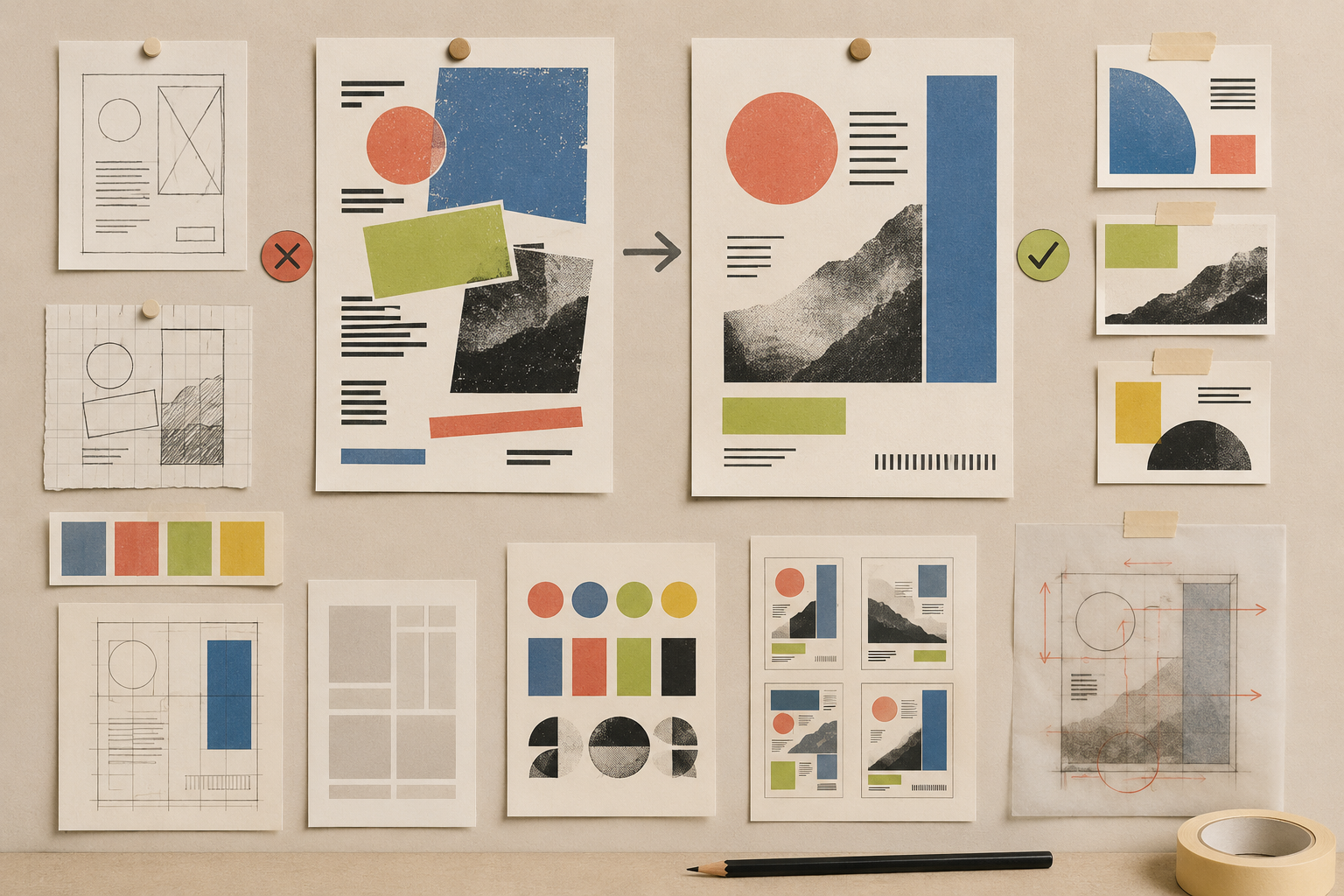
Mini Project
Project Available CompleteApply the path by redesigning one poster, social graphic, or campaign hero.
- 18 min
Iconography and Visual Language
Product UI Available CompleteChoose symbols that support recognition instead of making users guess.
- 20 min
Interaction and State Design
Interaction Available CompleteShow what is possible, what changed, and what needs attention.
- 16 min
Motion as Feedback
Motion Available CompleteUse motion to explain change without stealing attention.
- 20 min
Forms and Data Entry
Forms Available CompleteImprove labels, grouping, validation, and action feedback.
- 18 min
Design Systems Basics
Systems Available CompleteTurn repeated choices into small reusable rules.