See
Start with a clear visual example.
Practical design learning studio
Short visual lessons, realistic brand and social examples, and studio exercises help you build judgment for hierarchy, contrast, typography, color, and layout.
How it works
Each session helps you see the principle, name the decision, practice it, and keep a useful reference for later.
Start with a clear visual example.
Learn what changed and why it works.
Make one small design decision with feedback.
Note examples and decisions you would reuse later.
Guided practice path
A guided practice path that trains your eye through focused lessons, realistic studio exercises, and a capstone project that applies every fundamental on one campaign piece.
View the pathDecide what should be seen first, second, and third.
Use difference in size, weight, color, and darkness with intention.
Use proximity, alignment, whitespace, and rhythm to make layouts easier to scan.
Set clear text roles before choosing expressive typefaces.
Sample lesson
The lesson format keeps theory short and ties every concept to a visible design decision.
Make one message clearly lead using scale, weight, position, color, and space.
Open lessonVisual comparison
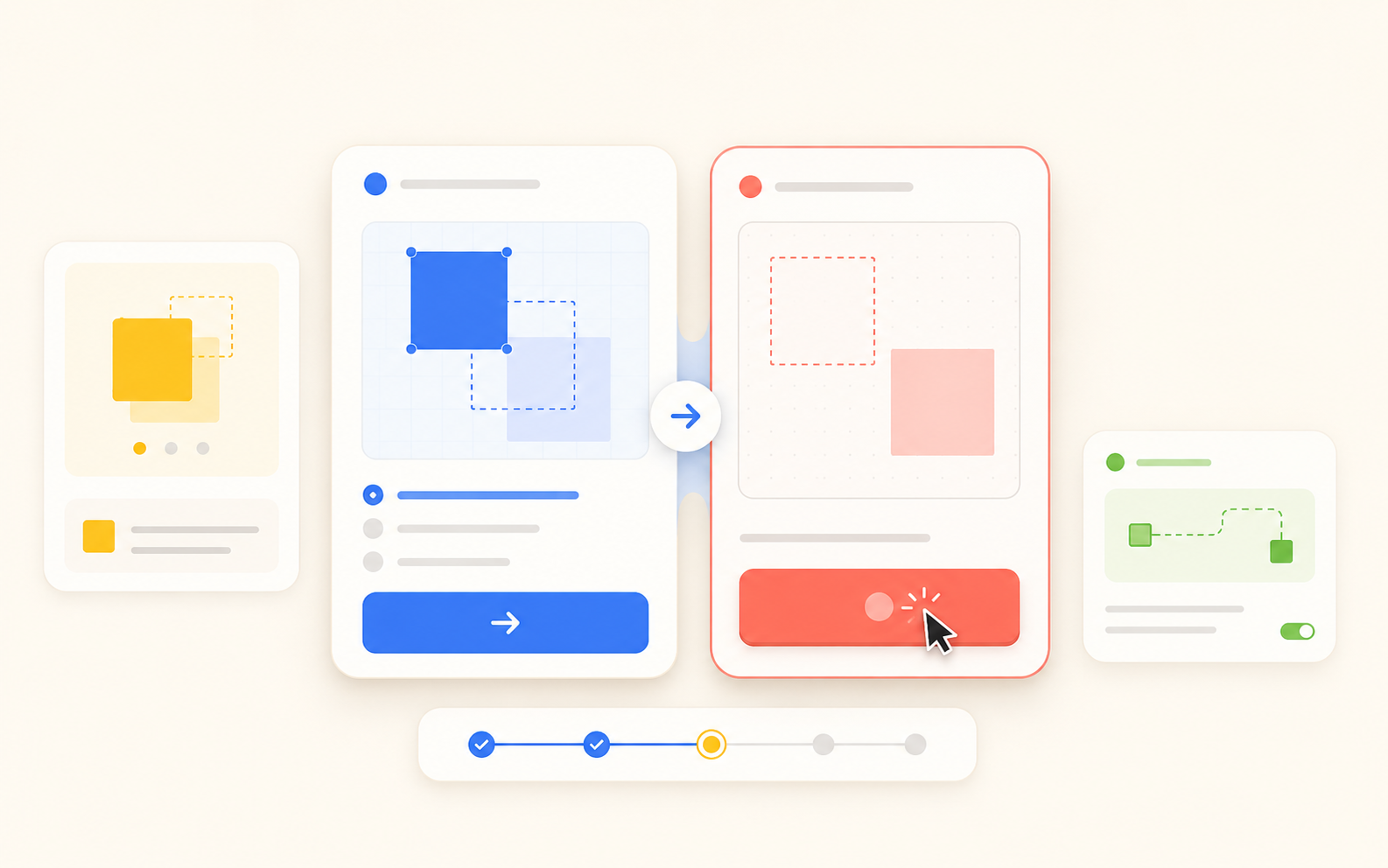
One card has a single focal point that pops at a glance. The other has several elements competing for first read.
Lesson-aware studio coach
The studio coach can explain the current example, point to the rubric, or offer a small next step without doing the thinking for you.
FAQ
No. This is a guided studio path. You work through one focused sequence of visual lessons, examples, and practice tasks instead of browsing a large catalog.
It is designed as lesson-aware support: hints, explanations, and rubric questions that help you make the next visual decision yourself.
Not for the first lessons. The early path trains your eye with examples and small decisions before tool-heavy projects.